
Nissan Qashqai 2026 Owners Manual
7.33.1.1. How to enable/disable the Intelligent Driver Alertness system warning
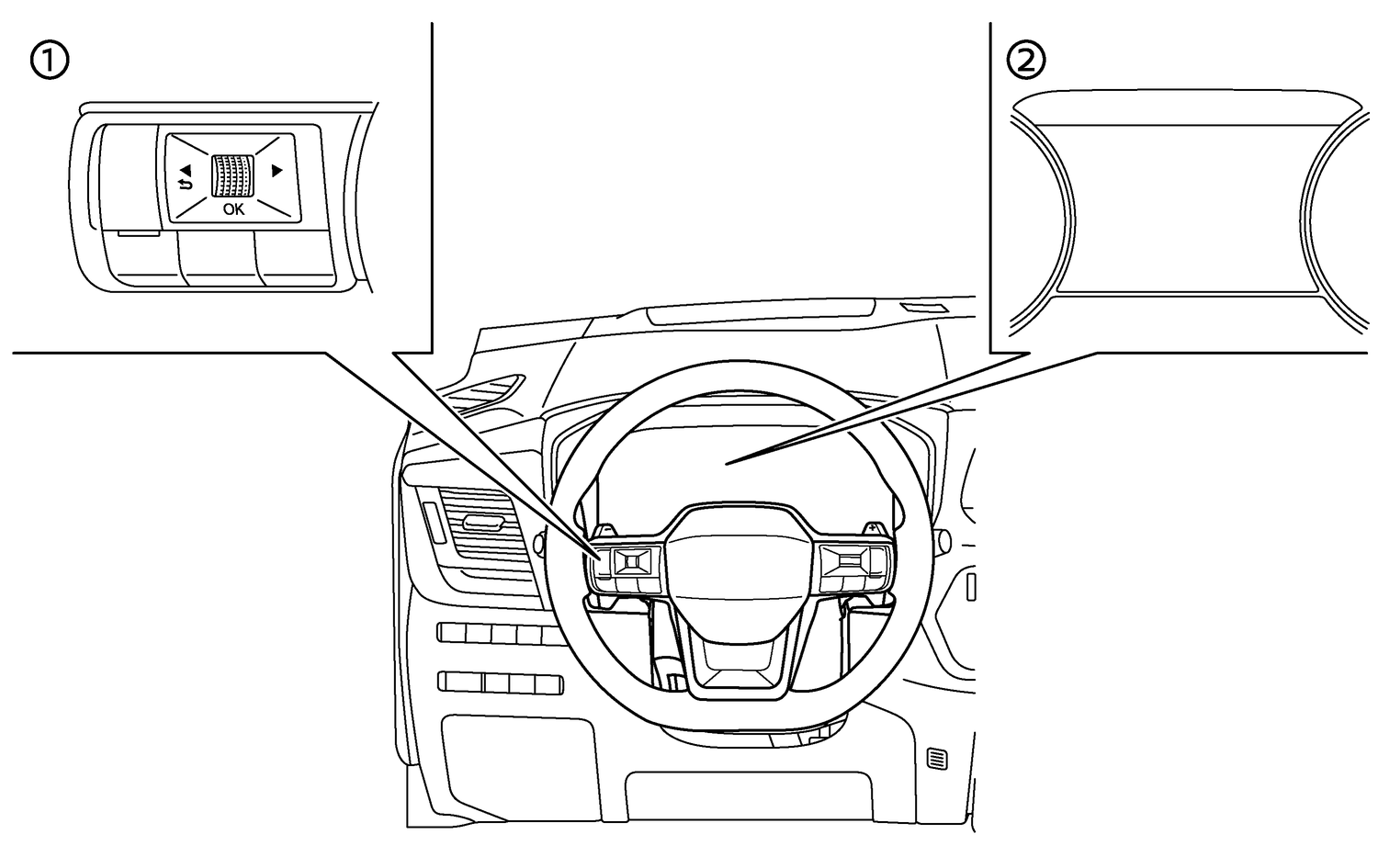
Perform the following steps to enable or disable the Intelligent Driver Alertness system warning.
Type A (Models with DMS and GSR2 regulation applied)
Use the
 or
or  button on the steering wheel until [Settings] is shown on the Vehicle Information Display and push the scroll dial.
Use the
or button on the steering wheel until [Driver Assistance] is shown. Then push the scroll dial.Use the scroll dial to select [Driver Monitoring]. Then push the scroll dial.
Type B (Models without DMS and GSR2 regulation applied)
Use the
or button on the steering wheel until [Settings] is shown on the Vehicle Information Display and push the scroll dial.Use the
or button on the steering wheel until [Driver Assistance] is shown. Then push the scroll dial.Use the scroll dial to select [Driver Attention Alert]. Then push the scroll dial.

The Intelligent Driver Alertness system will automatically be turned on when the engine is restarted.
As long as Steering Assist (where fitted) is activated the Intelligent Driver Alertness system will be deactivated. Turning off Steering Assist reactivates the Intelligent Driver Alertness system.
When [Driver Assist Custom] setting is ON, the Intelligent Driver Alertness system cannot be adjusted through the [Settings] menu. To adjust the Intelligent Driver Alertness system setting when [Driver Assist Custom] is ON, you should go to the [Custom Mode Setup] menu in the [Shortcut Menu].