
Nissan ARIYA 2025 Owners Manual
8.6.5. Adjusting the screen
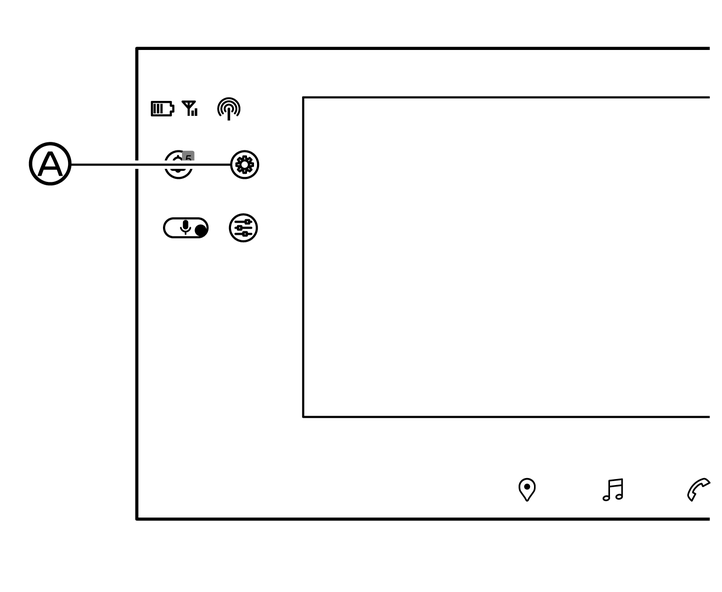
Touch
 key (A) on the touch screen display.
Touch [Vehicle] key.
Touch the [Camera] key.
Touch [Display Settings] key.
Touch the [+] or [-] key of the desired item on the touch screen display. You can change the brightness, contrast, tint, colour, and black level.
The [Display Settings] key can also be selected directly on the Intelligent Around View Monitor display by touching key.

Do not adjust the display settings of the Intelligent Around View Monitor while the vehicle is moving. Make sure the parking brake is firmly applied.
Owners Manual