
Nissan ARIYA 2025 Owners Manual
9.22.2. How to enable/disable the driver monitoring system
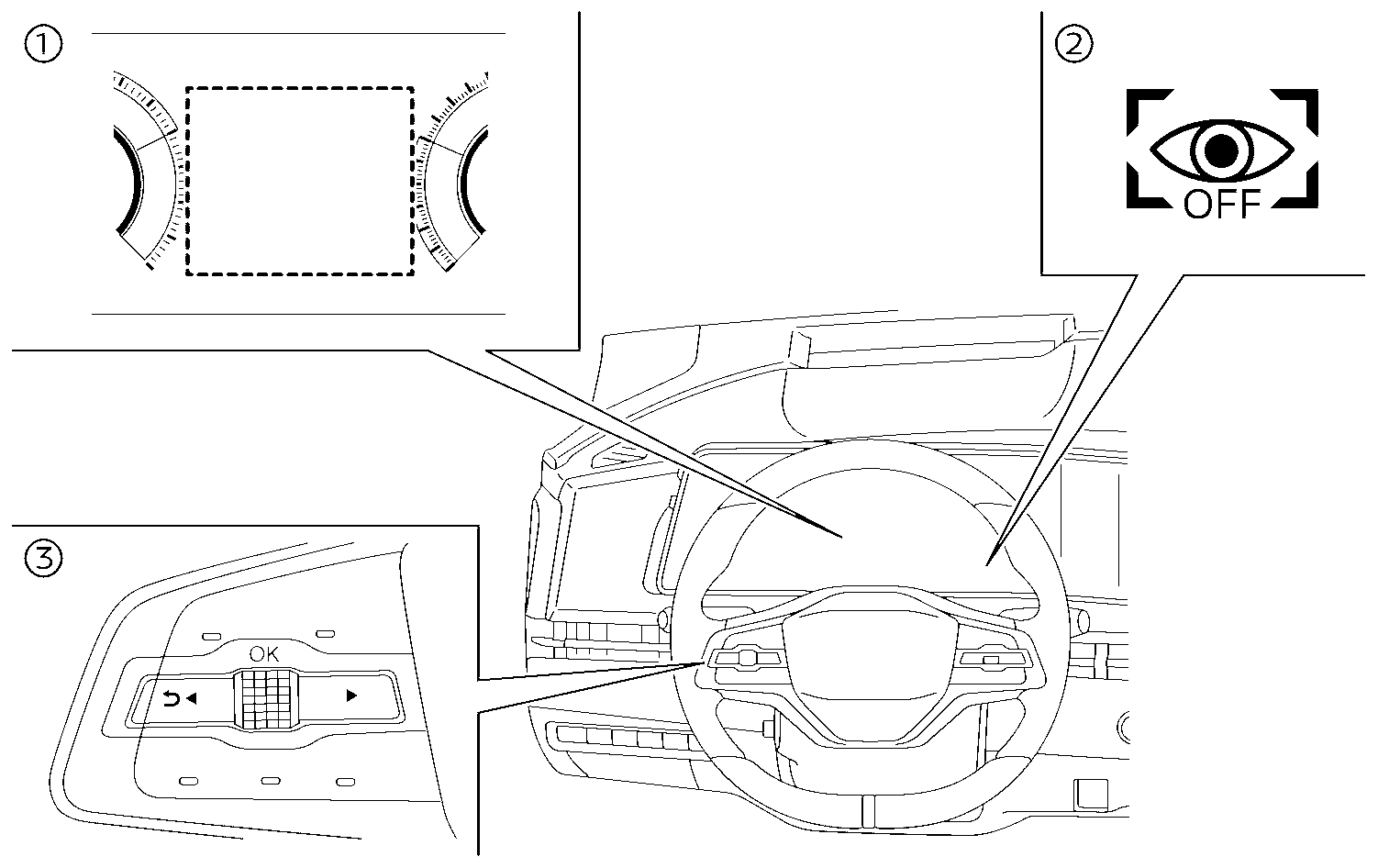
- (1)Vehicle information display
- (2)Driver monitor OFF indicator light (on the meter panel)
- (3)Steering-wheel-mounted control (left side)
Perform the following steps to enable or disable the driver monitoring system.
Push the

 button until [Settings] appears in the vehicle information display and push the scroll dial. Use the scroll dial to select [Driver Assistance]. Then push the scroll dial.
Select [Driver Monitoring] and push the scroll dial.
Select [Advanced] or [Standard] to turn the system on. Select [OFF] to turn the system off.
[Advanced]
Higher system sensitivity is selected. The driver is warned earlier.
[Standard]
Normal system sensitivity is selected.
When the driver monitoring system is turned off, the driver monitor OFF indicator light illuminates.

The "Advanced" setting will be automatically turned on when the EV system is restarted.
Owners Manual